
How to Book Pool Hire OnLine - Instructions
Booking Instructions for "Paid" Pool Hire Bookings
PLEASE NOTE: When you book online you will be
required to pay by credit card
(at the end of the booking process online) to secure the booking.
If your organisation requires an invoice to be sent before paying, you will need to contact us via email at
bookings@bestaquatics.com.au to book & request an invoice.
- Go to https://www.bestaquatics.com.au/pool-hire
- Click on the time (in the correct column of the pool you want to book).
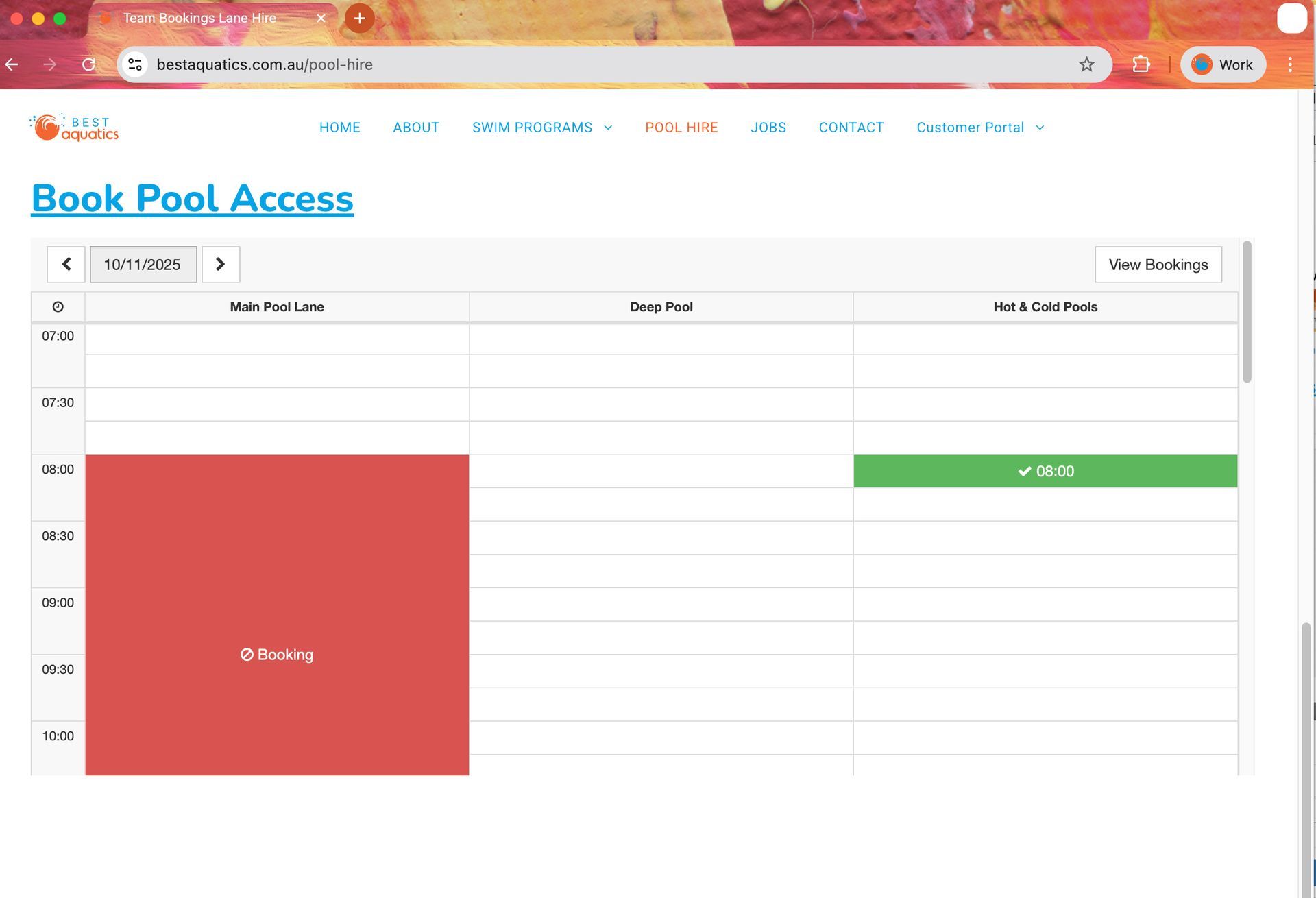
3.
Select how long you want to book & your booking type.
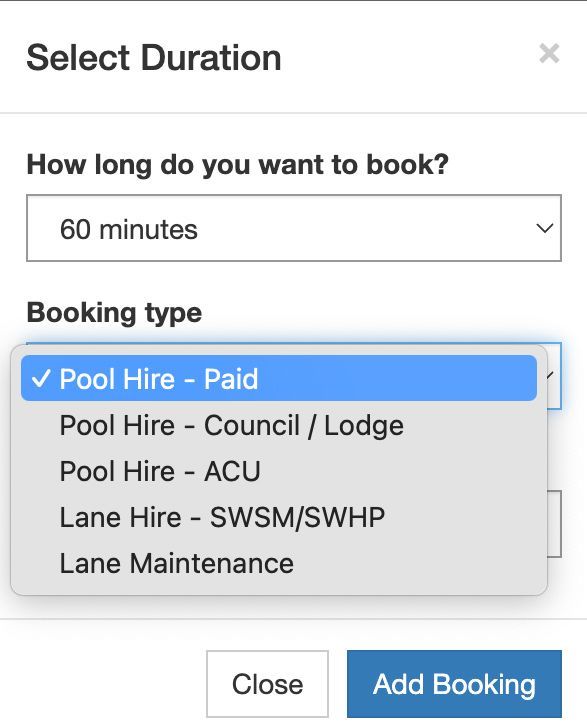
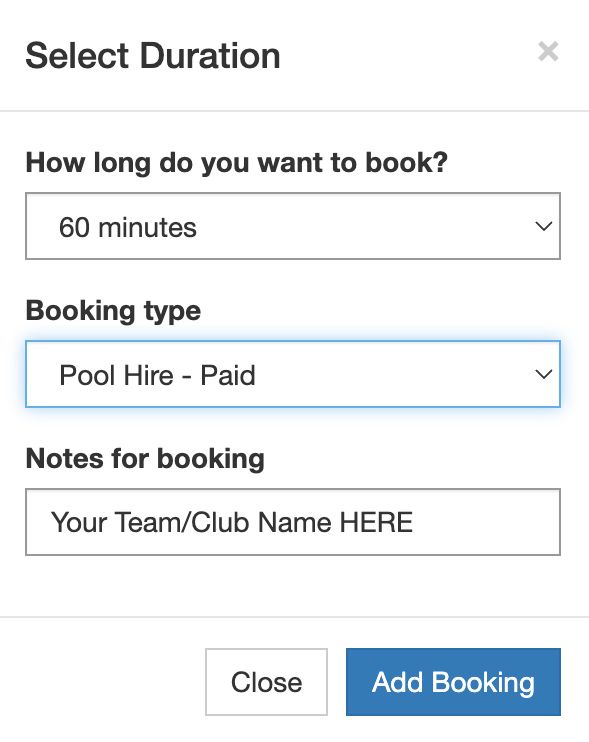
4. Please put the name of your team/club/school/group in the Notes for Booking field and click on Add Booking
5. Your booking(s) will show up. Please check day & time and then click on Checkout.
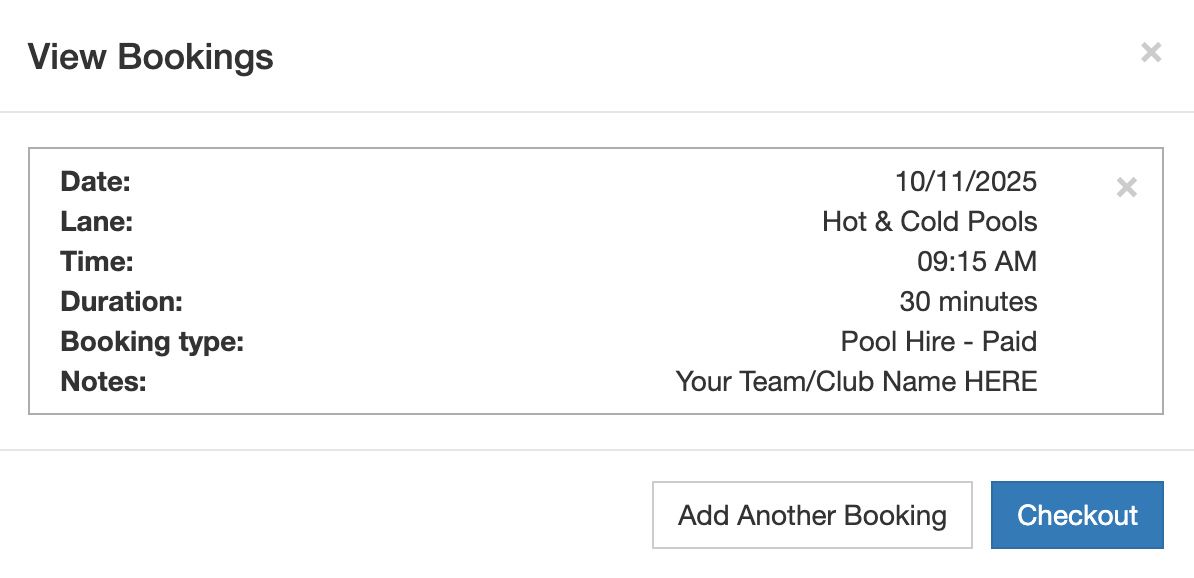
6.
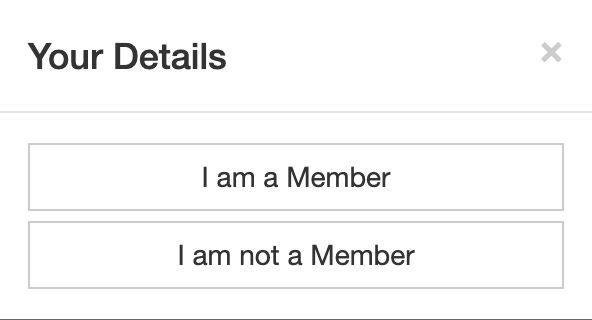
Next it will ask you if you are a Member or not.
- If you have booked with us before and remember the email address you used, please choose "I am a Member".
- If this is your first time booking with us choose "I am not a Member" and follow the prompts.
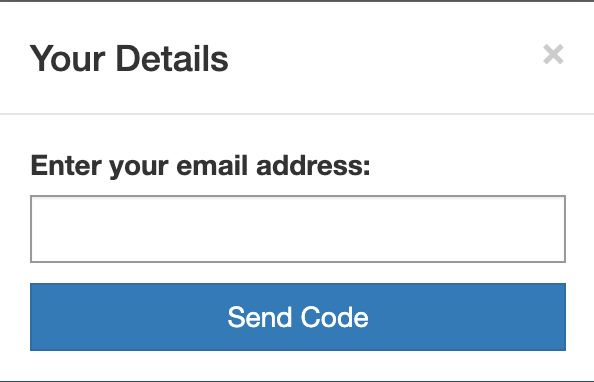
7. You will be prompted to enter your email address to receive a code.
8. It will let you know that your booking is successful at the end of the booking process.
